Basic Python

DAY 1:
Thinking about learning to code but don’t know where to start? Feeling lost choosing the right path or looking for someone to guide you? This is your place. Basic Python is built to support beginners, answer your questions, and walk with you through every step of your journey. Let's code …..
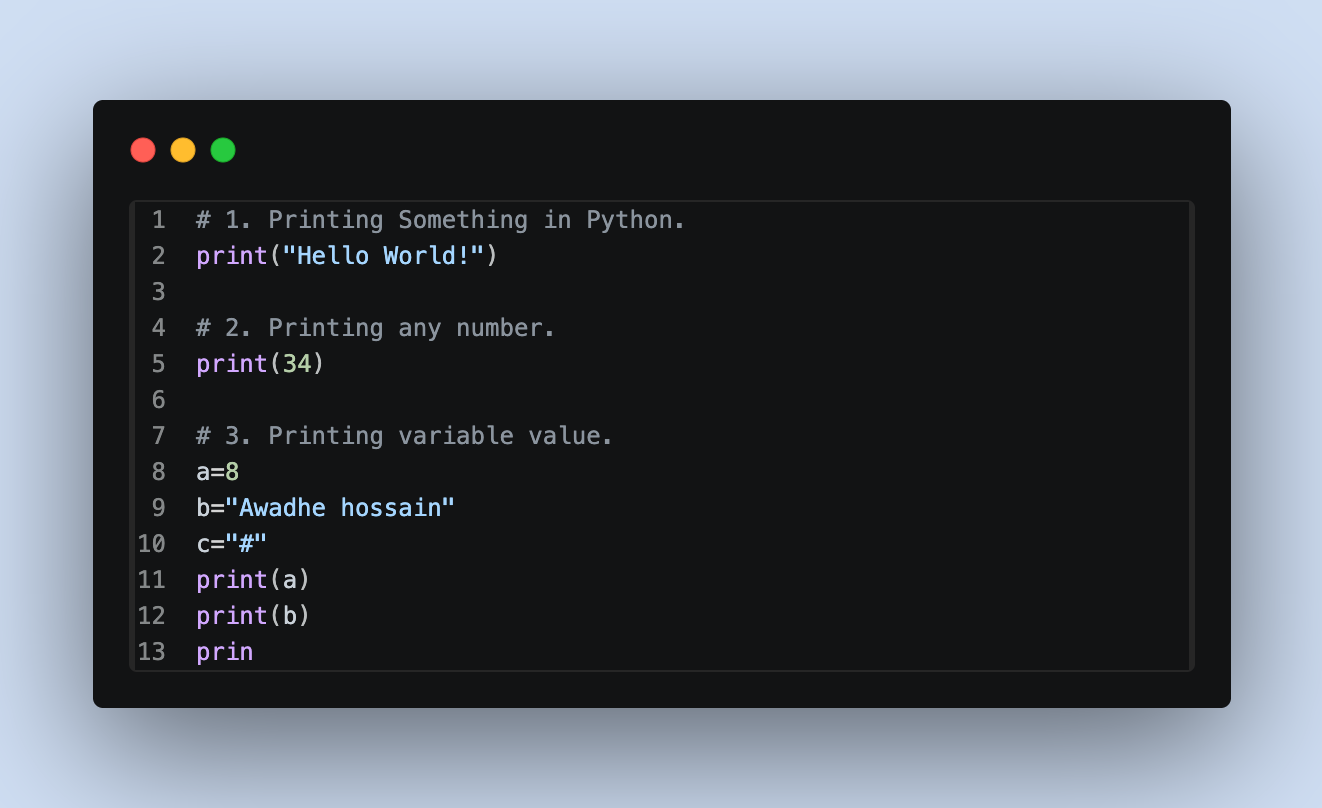
Printing something with print function ~ print("Your Text Here") :
Simple explanation:
1. Printing something in Python is very easy. You just use the print() function:print("Your Text Here")
This will display the text inside the quotation marks on the screen.
* Double quotes is used for printing string.
2. f you want to print any number simply put the number in print() function.
~ print(8)
3. If you want to print any variable value ( that value can be a number or a string or any special character ) simply put the variable name in print(variable name) function.
~ a=8print(a)
b="Awadhi Hossain"print(b)
c="#"print(c)
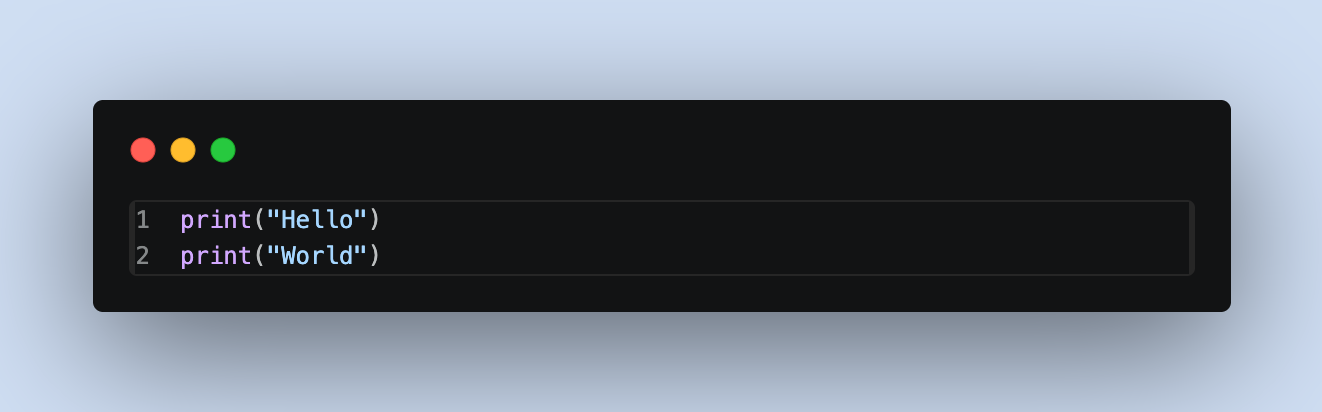
* The print() function adds a new line by default after displaying output.print("Hello")print("World")
* No semicolon is needed in Python after end of the line.
New line in Python :
1. Default behaviour (automatic new line):
Each print() statement moves to a new line automatically.
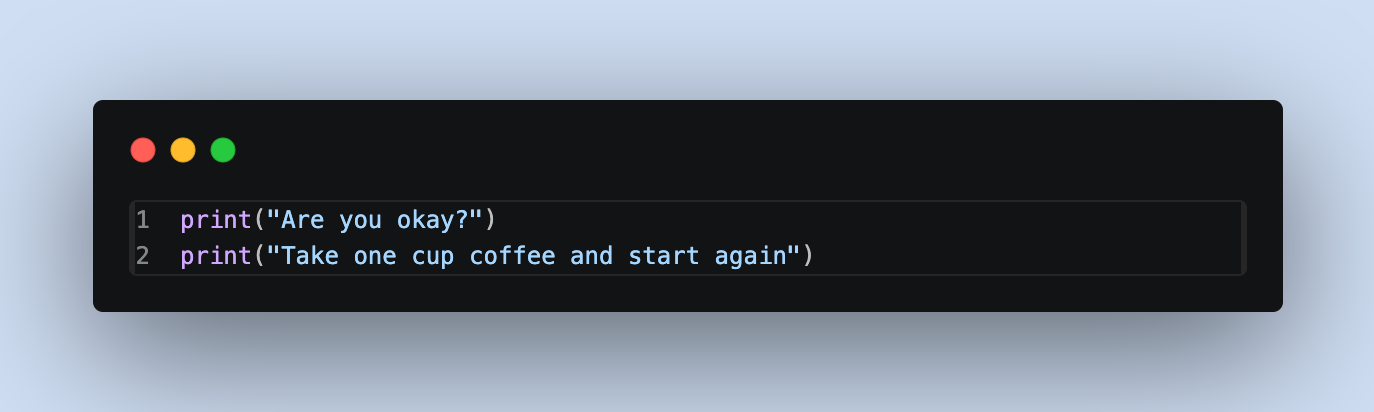
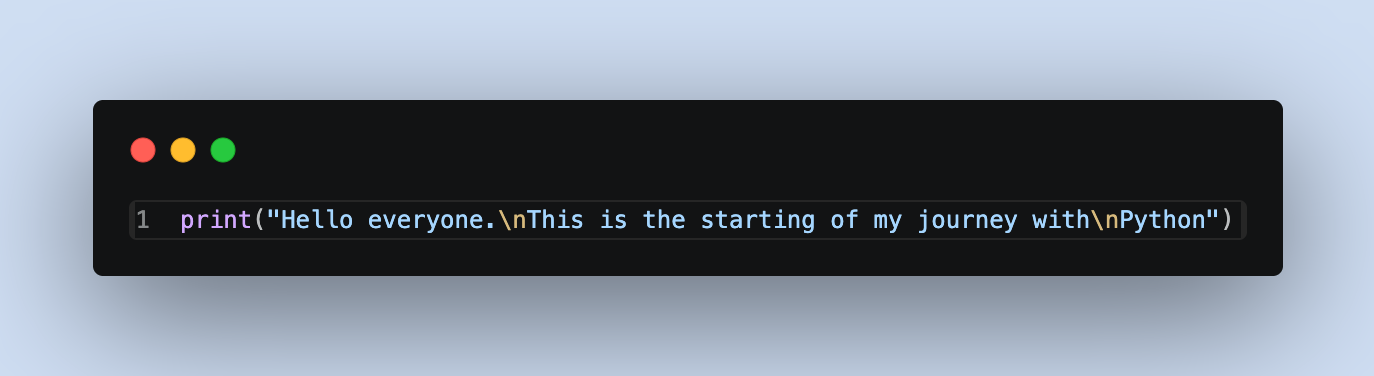
2. Using \n (newline character):
You can add a new line inside a single print() function.
String Concatenation:
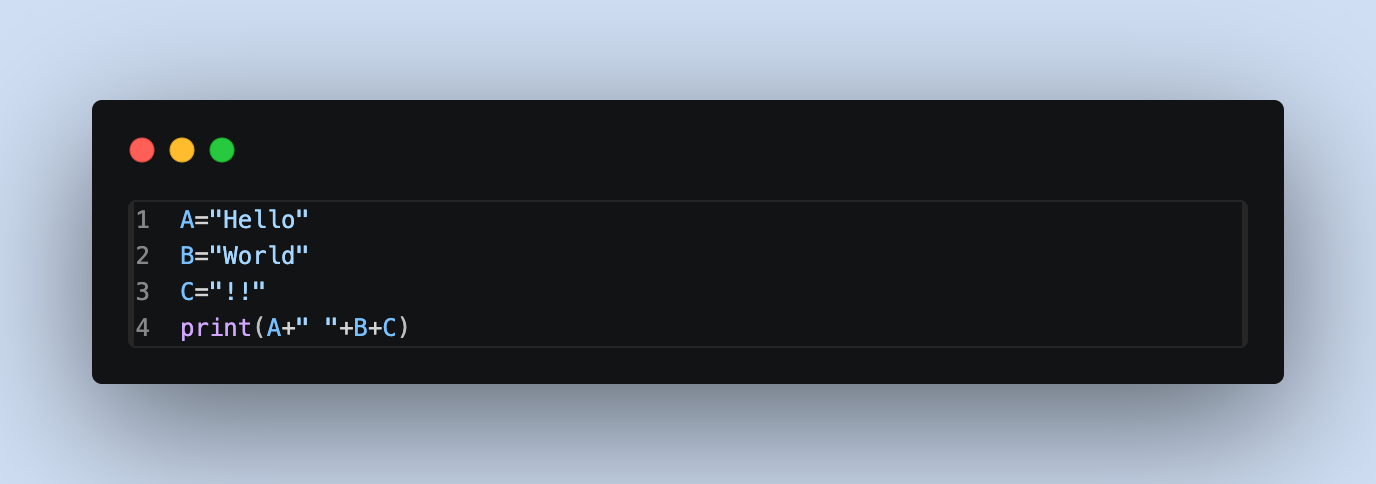
Have you ever wanted to join two words or sentences together? In Python, this is called string concatenation.
We can easily combine strings using the + operator.
String Subscripting :
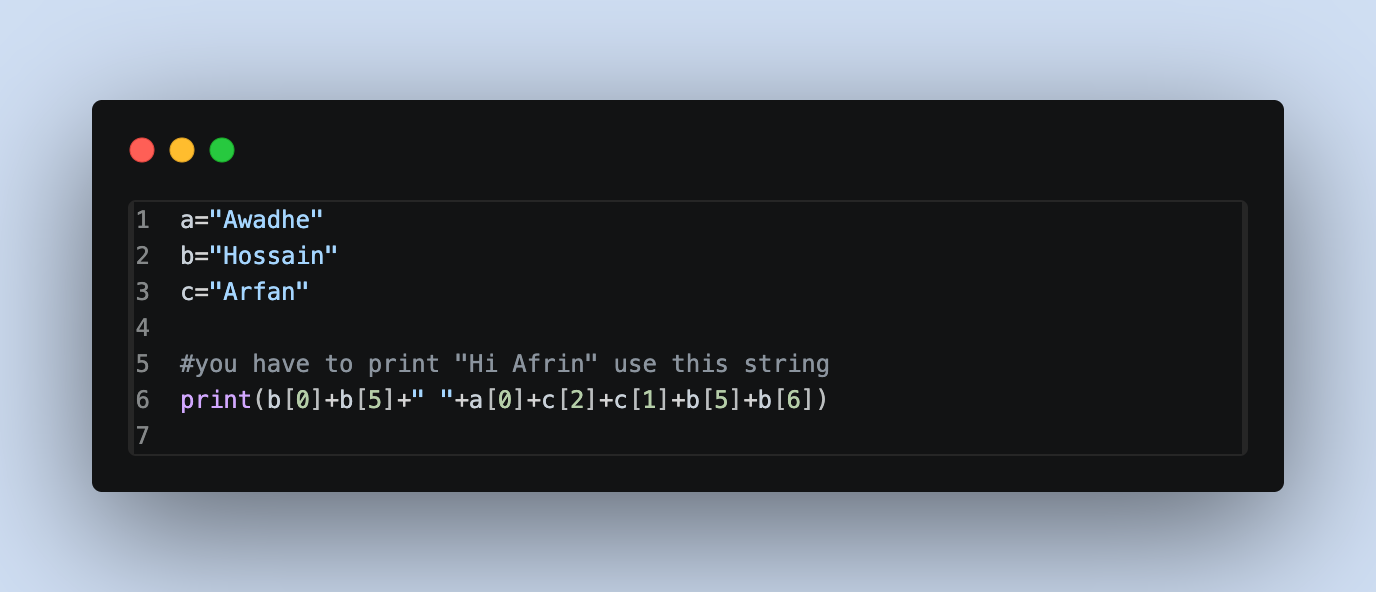
We can access any character from a string by using their index. In Python indexing start from 0, which means :
1. First character → index 0
2. Second character → index 1
3. and so on...
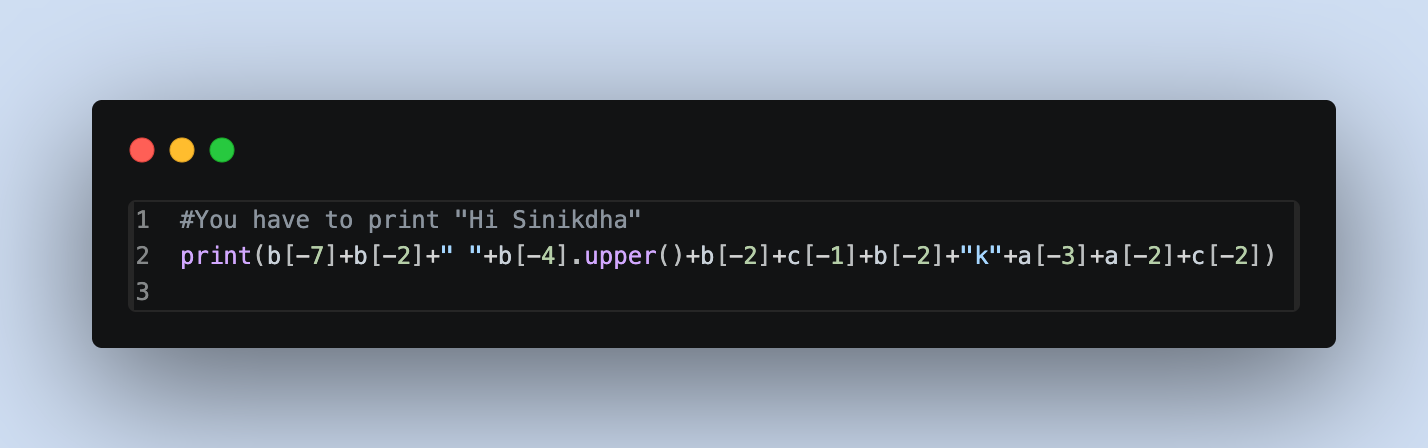
Python also allows negative indexing, which starts from the end:
1. Last character index is → - 1
2. Second last character is → - 2
Comments in Python:
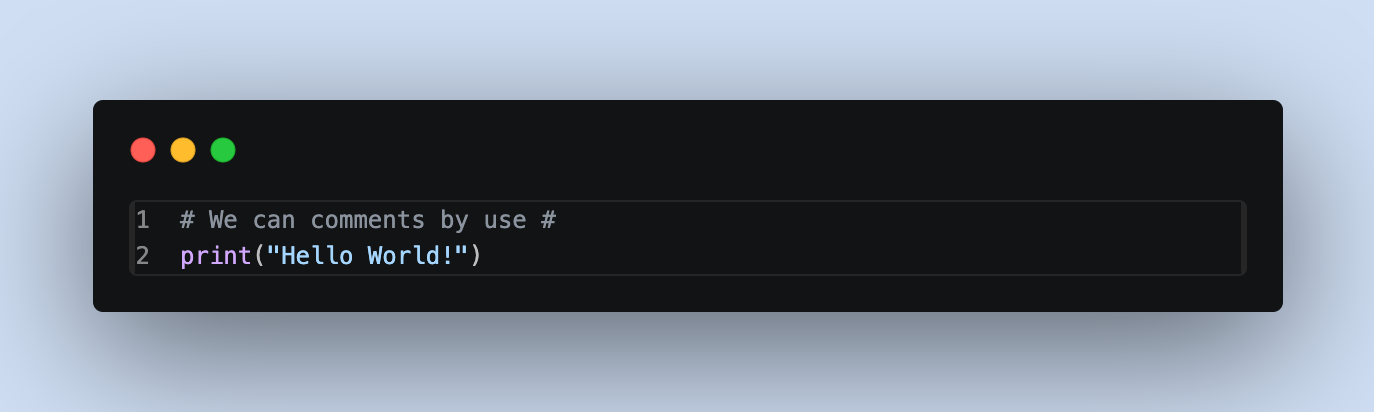
Comments are used to explain code or make it easier to understand. Python ignores comments when running the program.
Single-line Comment
Use # to write a comment:
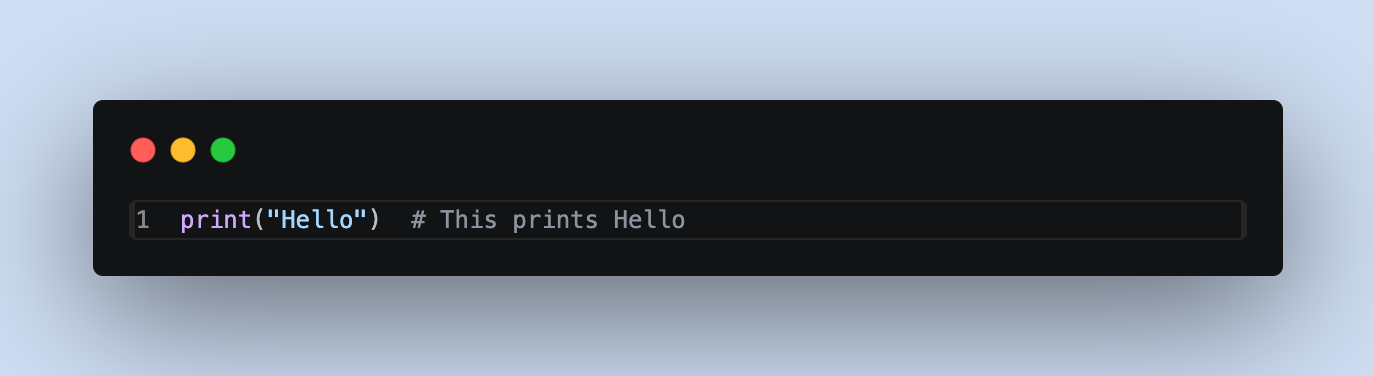
Inline Comment
You can also write a comment on the same line:
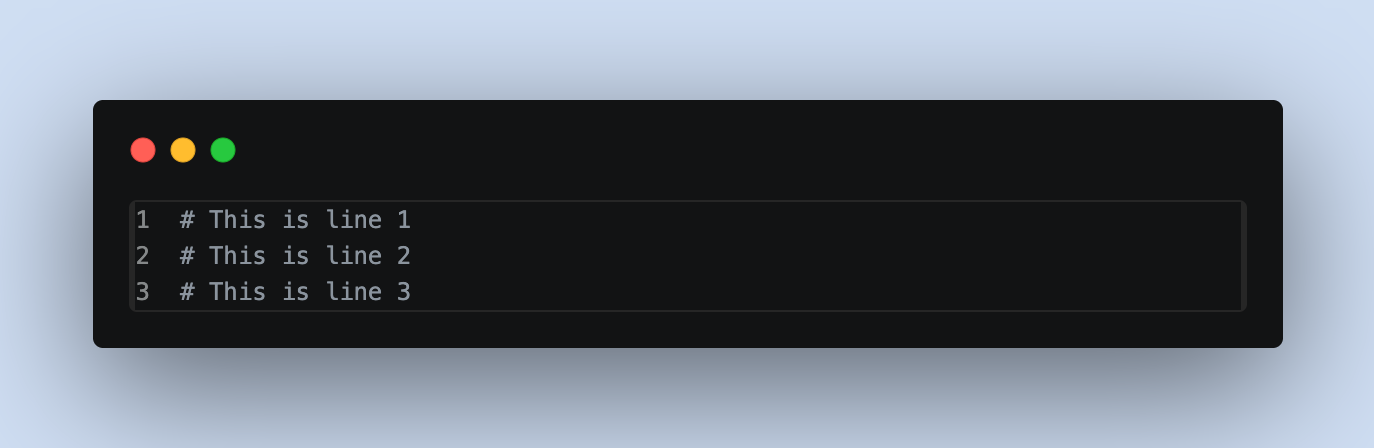
Multi-line Comment (not official, but used)
Python doesn’t have a special symbol for multi-line comments, but we can use multiple #:
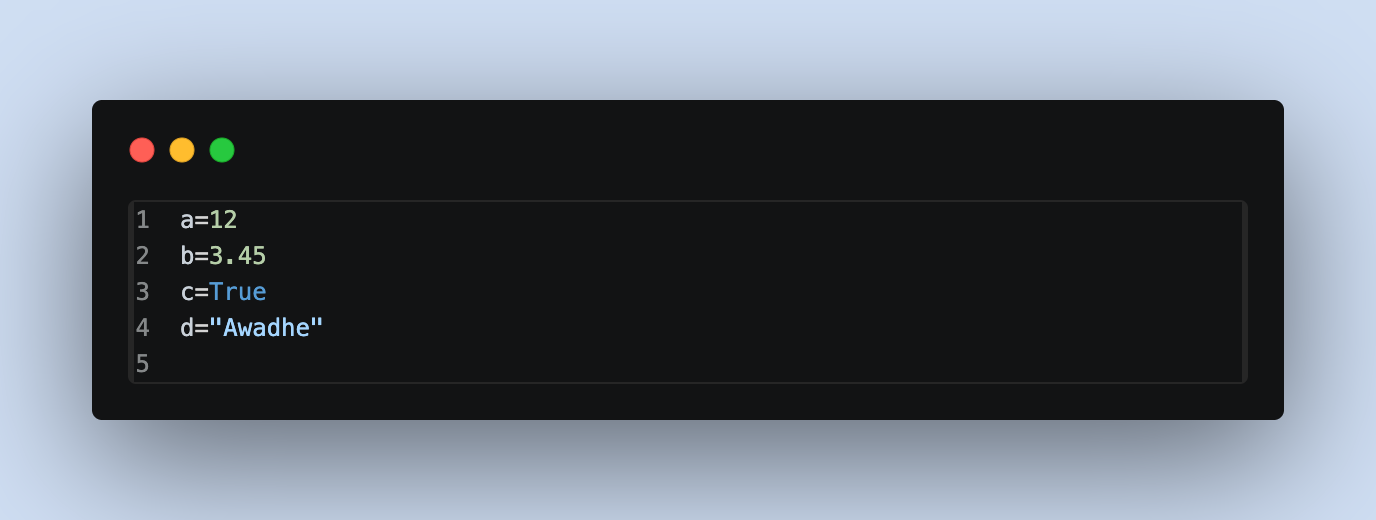
Variables:
A Variable is used to store data that can be used later in your program. You don’t need to declare a type in Python—just assign a value.
Rules for naming Variables:
1. A variable name must start with a letter or the underscore character (Val, _val)
2. A variable name cannot start with a number (2val ->Error)
3. A variable name can only contain alpha-numeric characters and underscores (A-z, 0-9, and _ )
3. Variable names are case-sensitive (age, Age and AGE are three different variables)
4. A variable name cannot be any of the keywords (if, def, else, for, while etc)
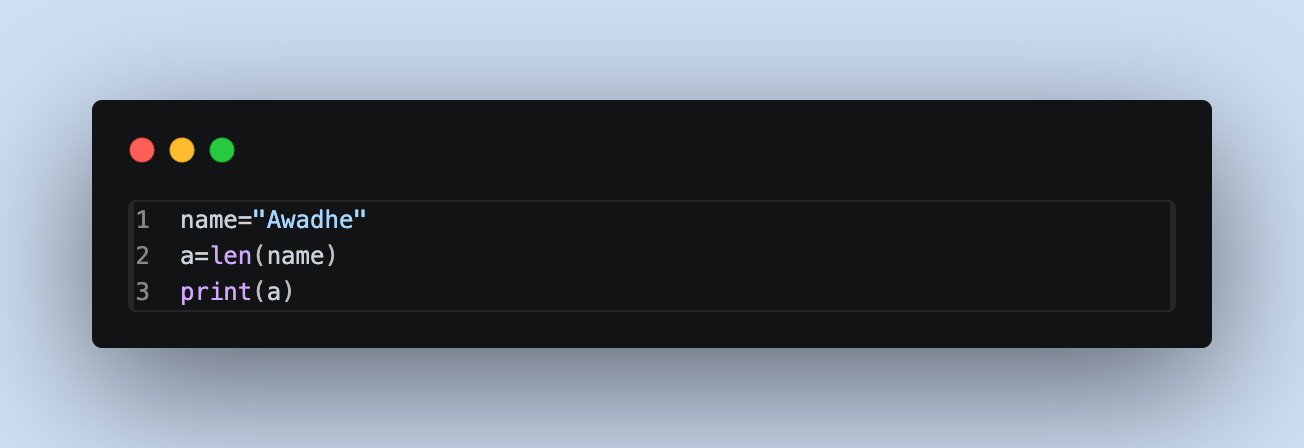
Len Function:
Have you ever wanted to know how many characters are in a word or how many items are inside a list? Python makes this very easy with the len() function.
The len() function returns the total length of an object.
Input Function:
The input() function is used to take input from the user. It allows the program to interact with users by accepting data from the keyboard.
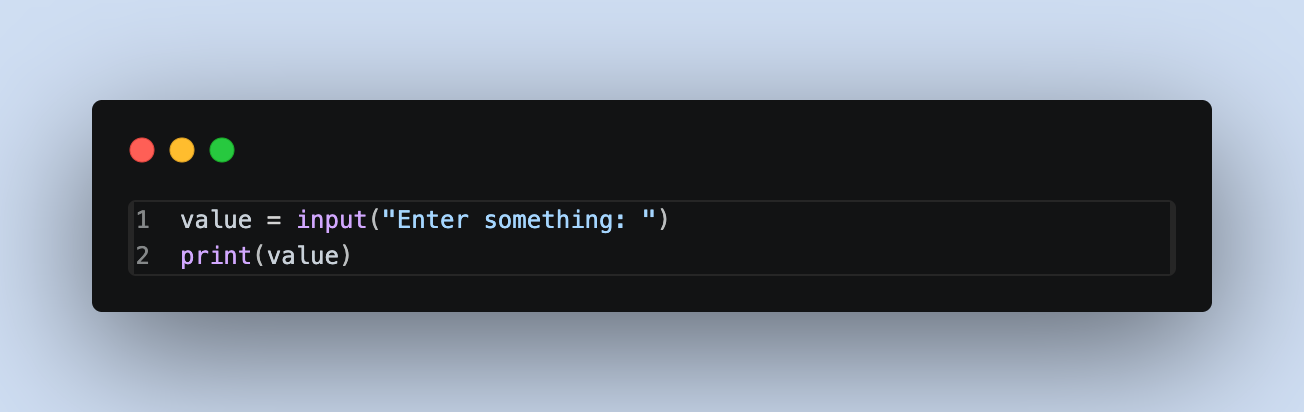
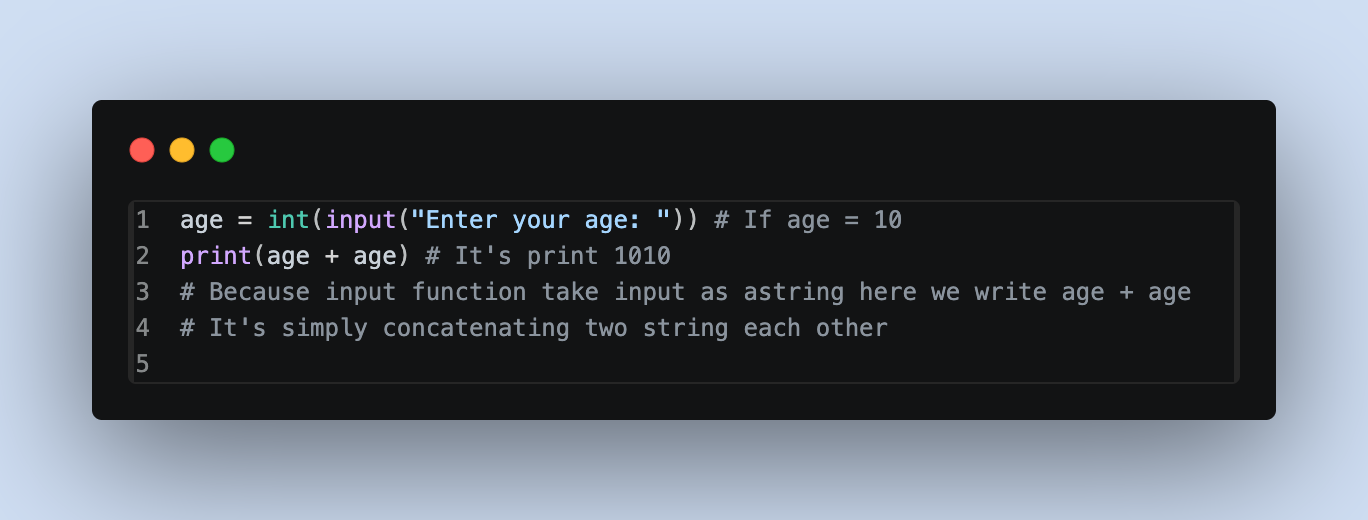
The input() function takes user input as a string by default.
Type Casting:
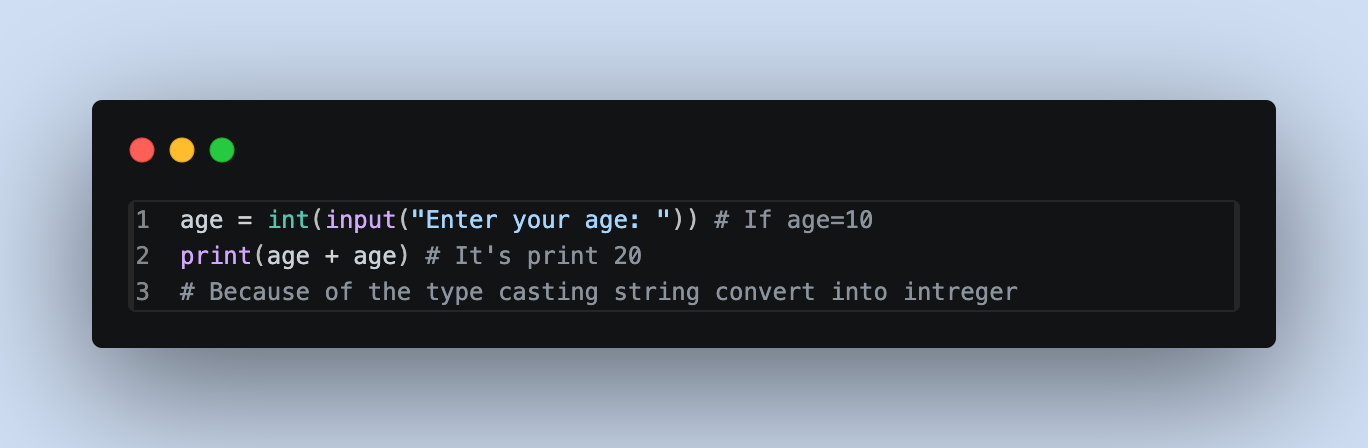
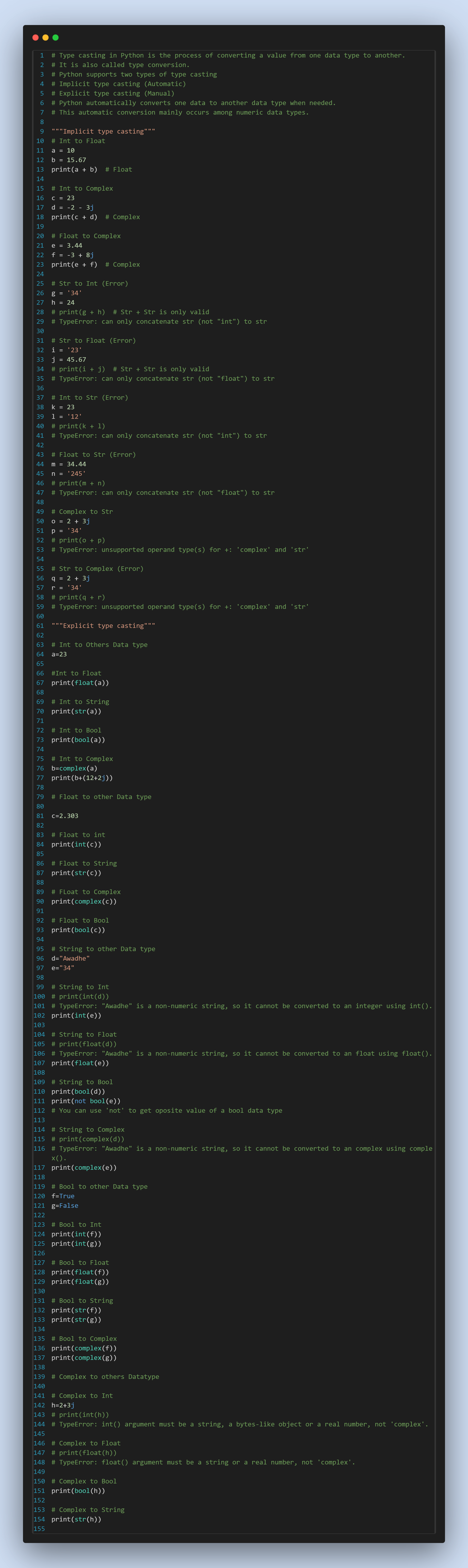
Type casting in Python is the process of converting a value from one data type to another. It is also called type conversion.
Python supports two types of type casting:
1. Implicit type casting (Automatic)
~ Python automatically converts one data to another data type when needed.
~ This automatic conversion mainly occurs among numeric data types.
2. Explicit type casting (Manual)
~ In explicit type casting, the programmer manually converts a value from one data type to another using Python's built-in functions.
~ The programmer must explicitly specify the desired data type.
Input type check:
The type() function is used to check the data type of a variable or user input. Since the input() function always returns a string (str), you can use type() to verify the input's data type.